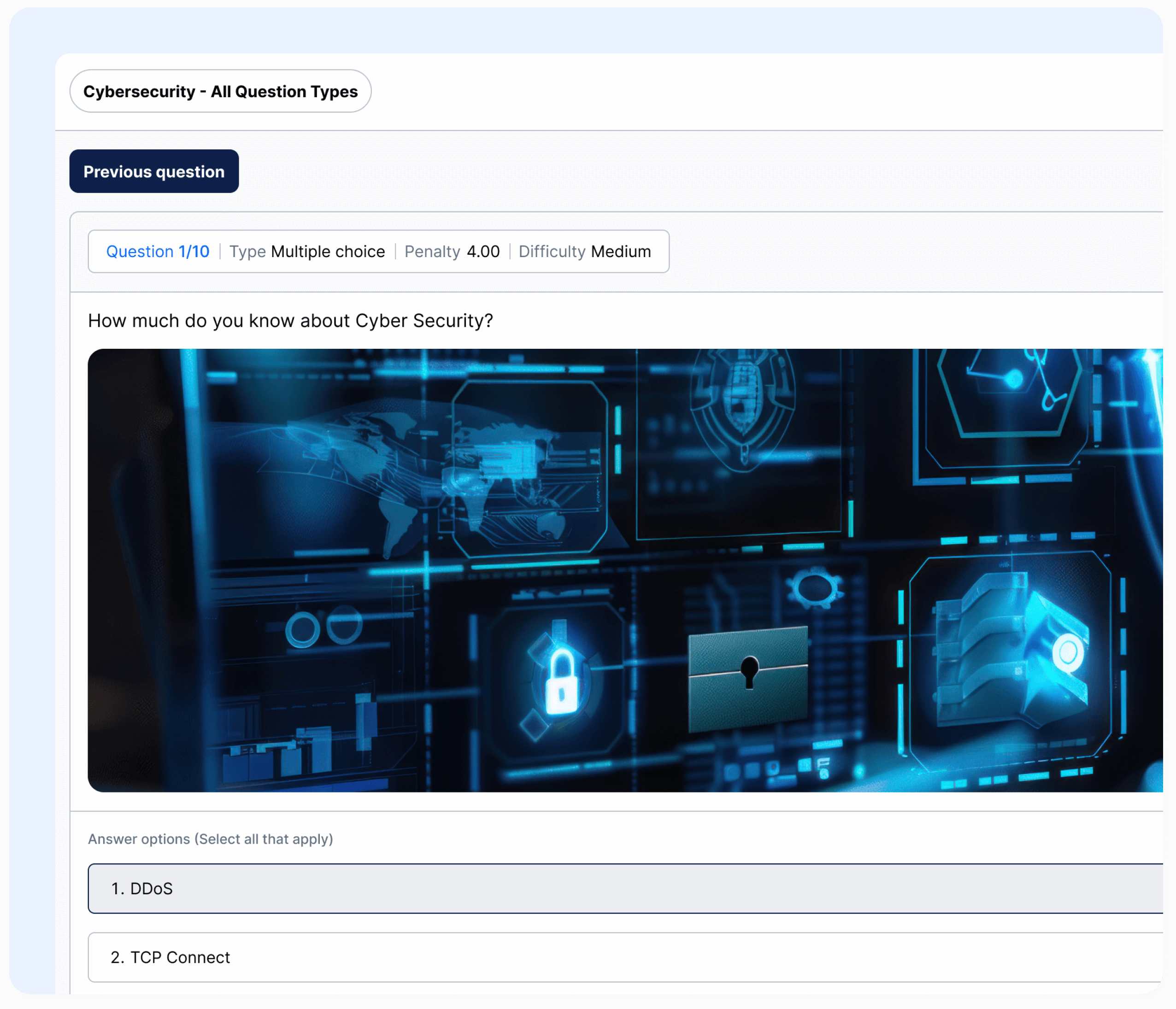
YouTestMe offers 10 types of questions for tests, surveys, and training courses. Create questions directly in the app or prepare them offline and upload from external storage. Store questions into question pools, organize them into groups, and automate the translation of questions to facilitate the test-taking process.
Question Pools
Organize questions into pools, enabling automated test generation for facilitated management. Create questions directly in the app, upload them from external storage, or generate them using AI. Translate questions for a multilingual test-taking experience.
Control access to question pools with roles (read-only or read-write)
Effortlessly move question pools and sub-pools to streamline your database management
Prepare questions offline in MS Excel and upload them into question pools or sub-pools
Move questions between pools and create copies of individual questions or entire pools
Use any combination of question pools as input for the automated test generator
Label questions using question categories to create rules for generating the exam
Label questions using custom properties for different question types to simplify pool filtering
Export questions from a pool, make changes, and upload the modified file back to the same or another question pool
Organize questions into existing sub-pools when importing from Excel template
Question Management
Create questions and tests, or load them from MS Excel files. Use numerous question features and attributes to manage the test-taking process.
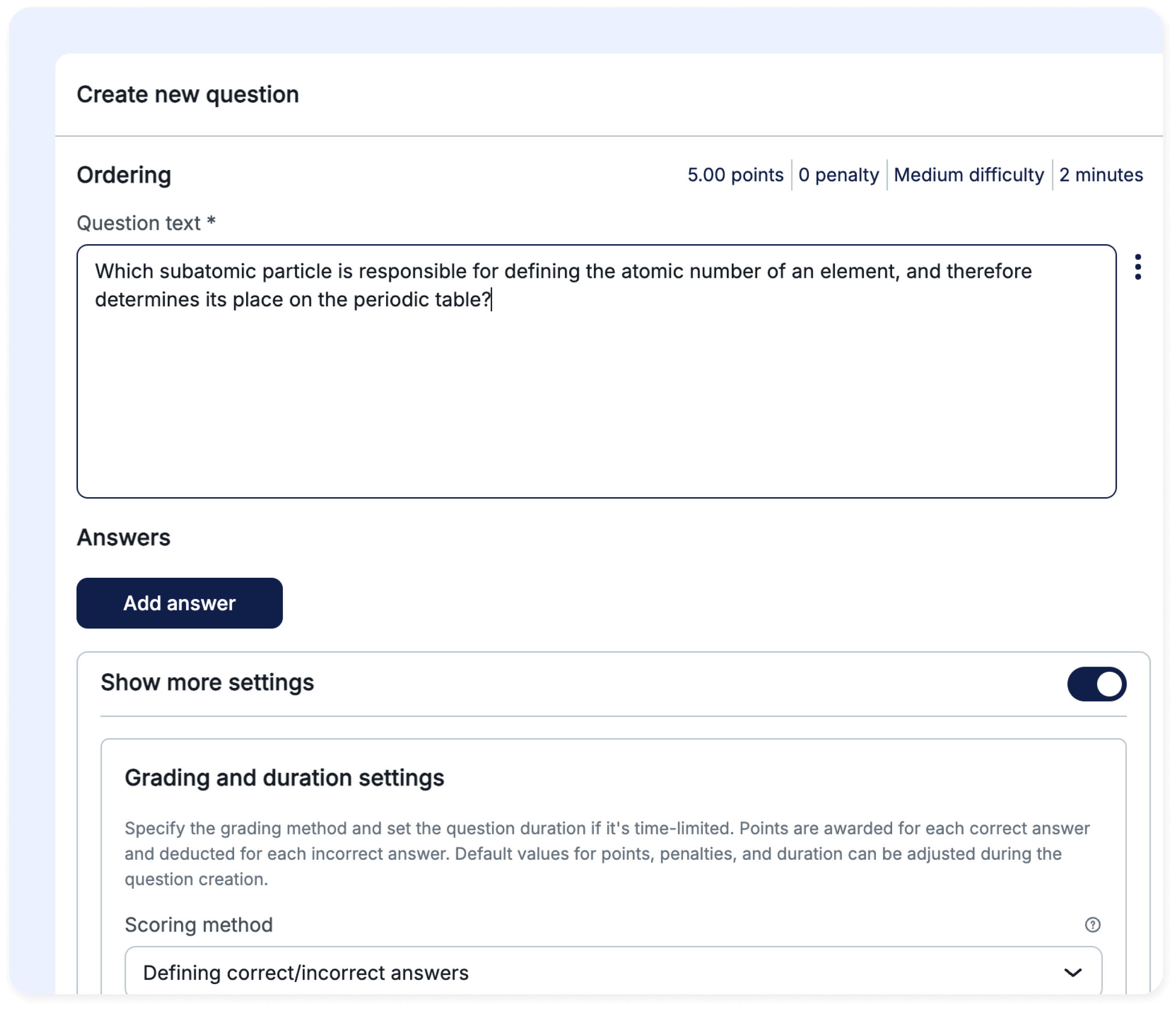
10 different question types
Ability to incorporate multimedia content in questions and answers (MP3, MP4, JPG, JPEG, PNG, BMP, GIF)
Randomization of the selection and order of questions and answers to minimize the possibility of cheating
Tailor the frequency of specific questions in exams
Set question difficulty (easy, medium, hard), whilst allowing candidates to provide question feedback, including the perceived difficulty level
Prepare questions offline in MS Excel and upload them into the system
Set up hints and special assistance by dynamically adding time, or removing incorrect answers
Allow test-takers to take notes during the test for specific testing scenarios
Navigate through questions (next, previous, jump) during the test without submitting the answer, with real-time grading and ability to go backward
Filling out a PDF file provides an alternative to typing answers directly into the editor for essay questions
Enabling question linking provides the opportunity to link additional questions to single parent question.
Collaborative Content Management
Efficient content management is essential as our platform redefines collaboration and content management for educators, trainers, and creators. Its robust features include categorizing questions, creating multiple translations for a single question, and a powerful question versioning system, ensuring easy organization and accessibility with a user-friendly interface. Additionally, our platform supports multiple authors and users, enabling you to leverage your team’s collective expertise.
Multiple question authors and users
Question labels
Question categories
Question versioning and comments on versions
Copying and moving questions between pools
Configurable propagation of question changes to tests
ChatGPT-powered AI generates questions from uploaded materials or directly from the ChatGPT knowledge base. Upload literature on the specified topic and witness the magic happening. Embrace cutting-edge technology to streamline your assessment process.
Generate questions with just one click
Choose the question type, topic, and number of questions you need generated
Simplify your testing process by effortlessly creating a question pool
Increase efficiency and save time by automating question generation
Ensure comprehensive coverage of the subject matter with a large pool of questions
In addition to the multilingual interface, YouTestMe features multilingual question content. Administrators can create different language versions of each question and allow candidates to take the test in the preferred version, e.g., in their native language. This eliminates the need for separate tests for each language. Test management and reporting have thus become more practical and significantly less time-consuming, making it well-suited for international organizations conducting certifications and tests in multiple languages.
Branching Questions
Branching questions involve the creation of subsequent questions based on the chosen answer. This feature is valuable for systematically organizing questions and enabling the creation of a logical question path.
Other advantages include:
Custom branching questions for every answer
Unlimited branching possibilities for each question
Test-takers gain insights into their progress within each branch
Upload branching questions into pools from Excel template
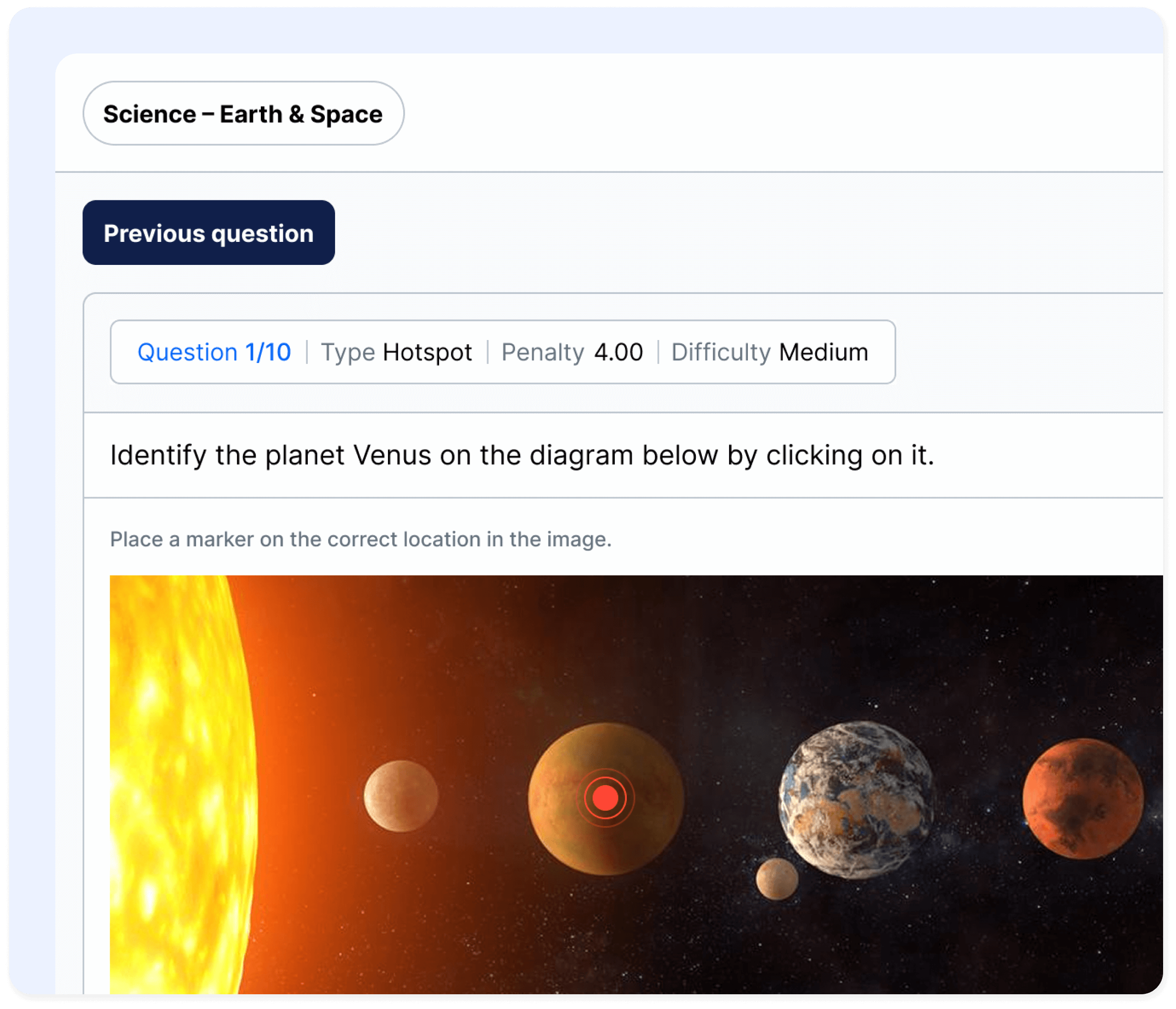
Hot spot questions introduce a new dimension to the typical test format, requiring test-takers to click on a specific spot on an image instead of selecting an answer. This format allows assessment of both practical skills and theoretical knowledge.
Hot spot questions work particularly well with:
Answer generator, applicable to multiple-choice questions, allows you to define the number of correct and incorrect answers displayed from the set of possible options. Subsequently, the system will automatically generate alternate versions.
Generate different sets of answers for multiple-choice questions
Shuffle the order of answers for each candidate
Prevent candidates from copying, reducing the risk of cheating
Overcome answer order bias
Mathematical Formulas
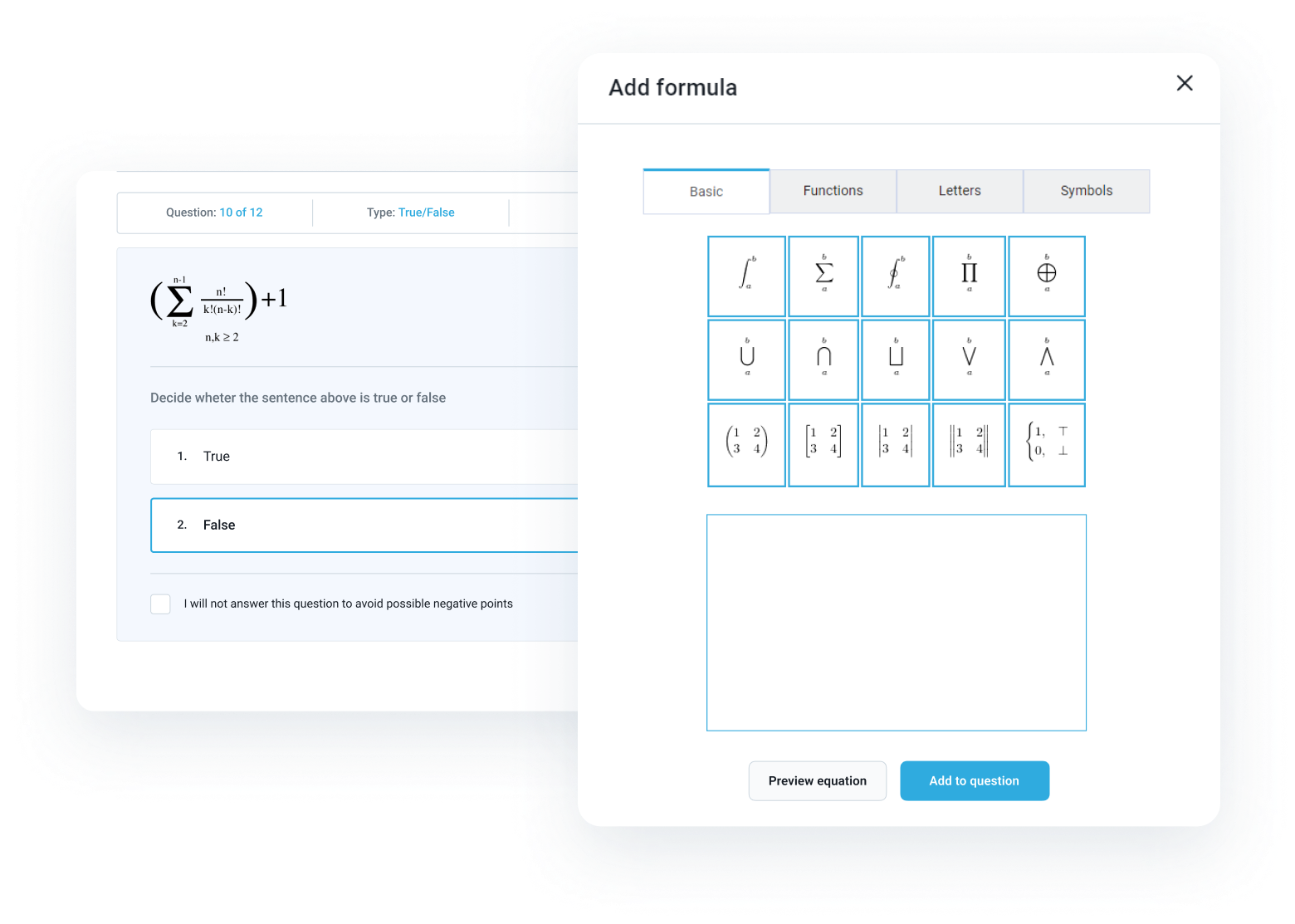
Create questions with complex mathematical formulas using an integrated and user-friendly formula editor based on LaTeX. Incorporate basic formulas, functions, letters, or symbols into your question text or answers.
Question Groups
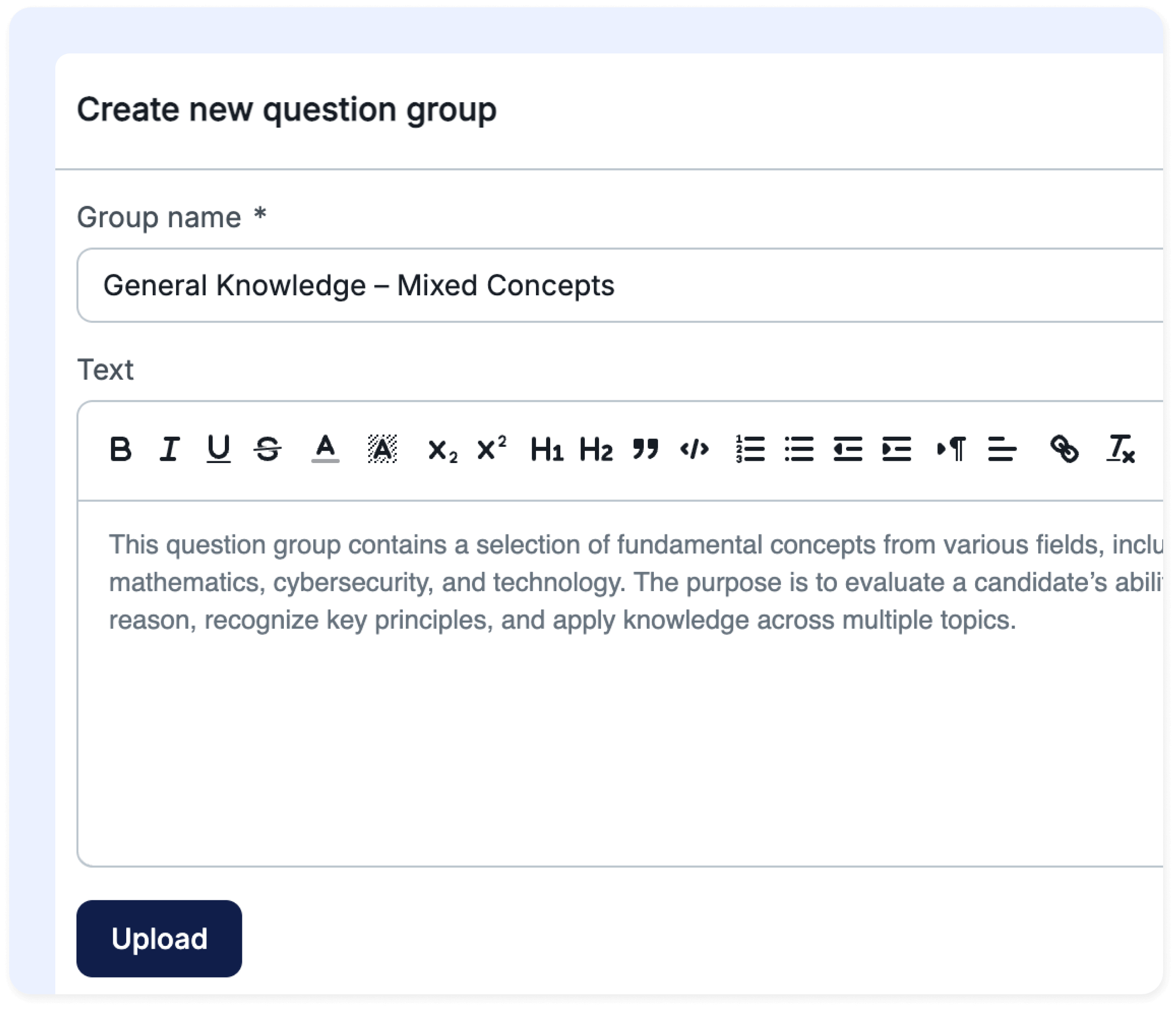
Question groups enable the combination of questions, creating a new organizational structure within the test:
Create questions independently and group them for specific tests
This feature allows you to establish a project-like section within a test where candidates can respond to a series of questions related to a specific topic
For instance, if a question group in a test revolves around a particular paragraph from a book, it will be displayed in all related questions during the answering process
Question groups offer numerous possibilities for test creators, enabling tests to be administered in a more flexible manner
Engage students by incorporating various multimedia into questions, answers, or at the test level. Store attachments in the library for reuse in multiple tests and questions, and decide if they should be accessible to other test managers.
Include various image formats (JPG, JPEG, PNG, BMP, GIF)
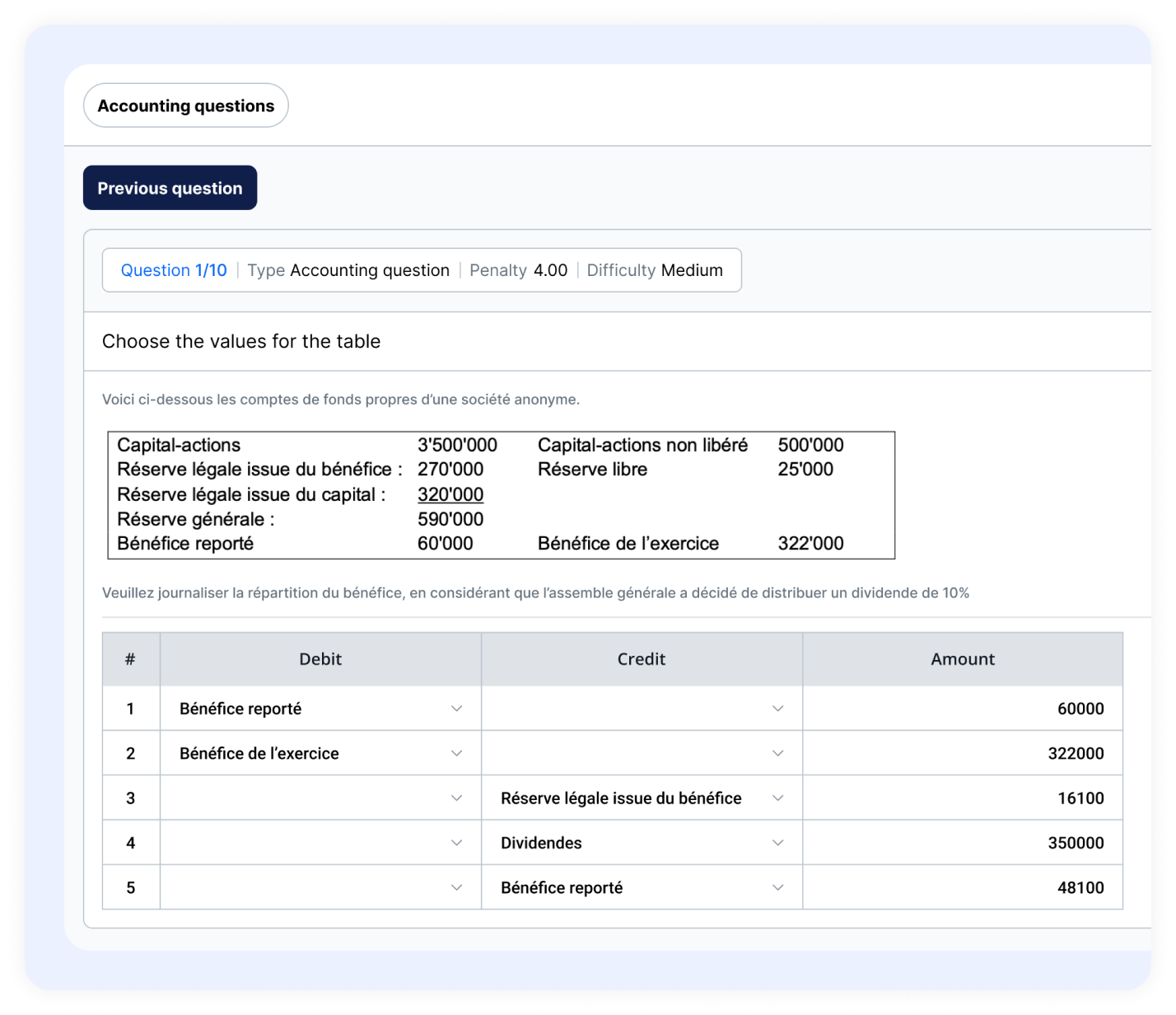
Introduce accuracy and realism into your exams with the new Accounting Question type, designed specifically for financial and numerical assessments.
Support numeric inputs, formulas, and calculations that enable candidates to solve authentic accounting problems, from journal entries to full financial statements. Configure automatic or manual scoring to accommodate both simple and multi-step tasks.
Attach documents, spreadsheets, or tables to provide context and assess practical application.
 Control access to question pools with roles (read-only or read-write)