User manual
First steps
To use the API, you first need to have an account. For example, let's say that you have an account with username "admin" and password "admin". The first thing you need to do is access the authorization dialog. You can do it in two ways:
- By clicking the "Authorize" button.
- By clicking the padlock button next to the "Login" operation.
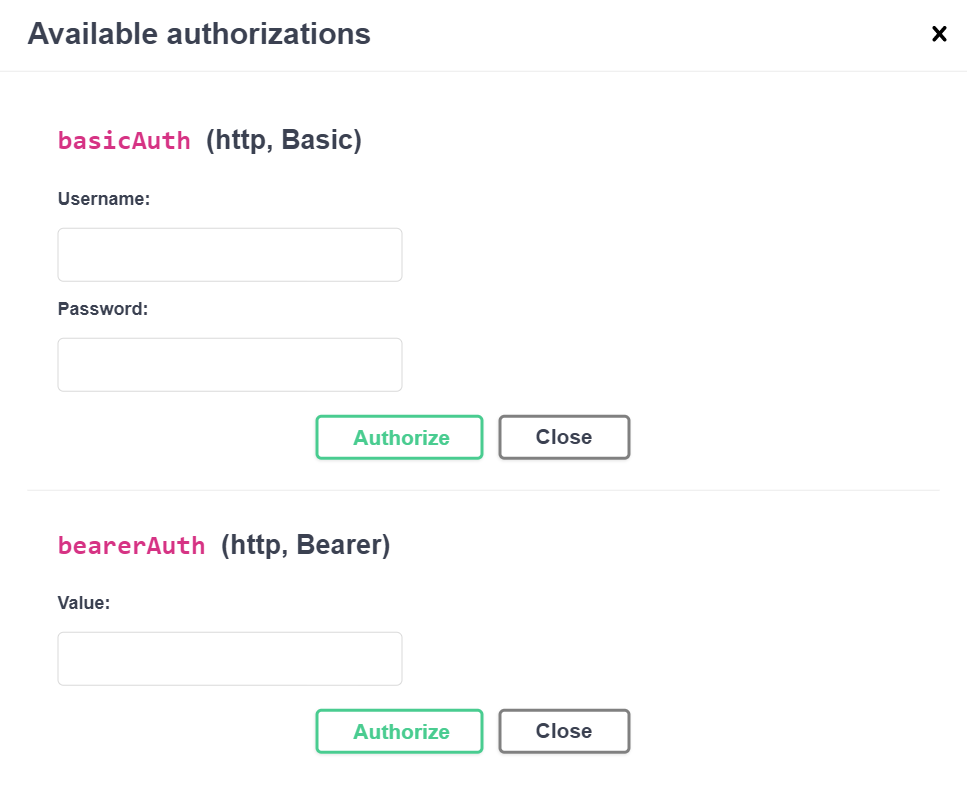
If you click the "Authorize" button, the dialog below will appear.
If you click the padlock button, the dialog below will appear.
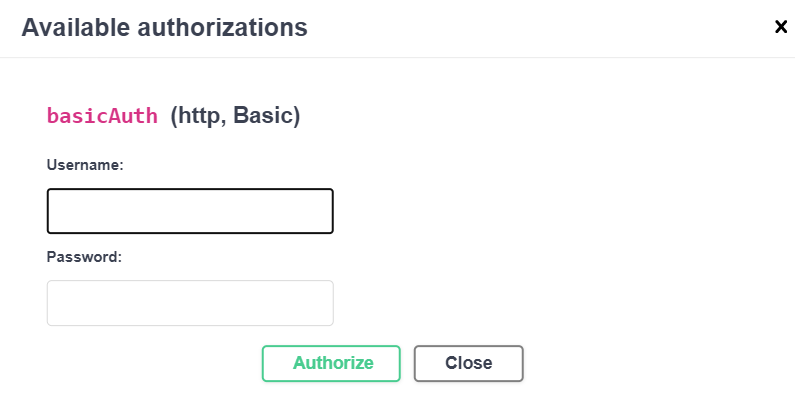
The output is practically the same. The only difference is when you click the "Authorize" button, you will see every type of authorization on the system.
In each case, you now have to type in the credentials.
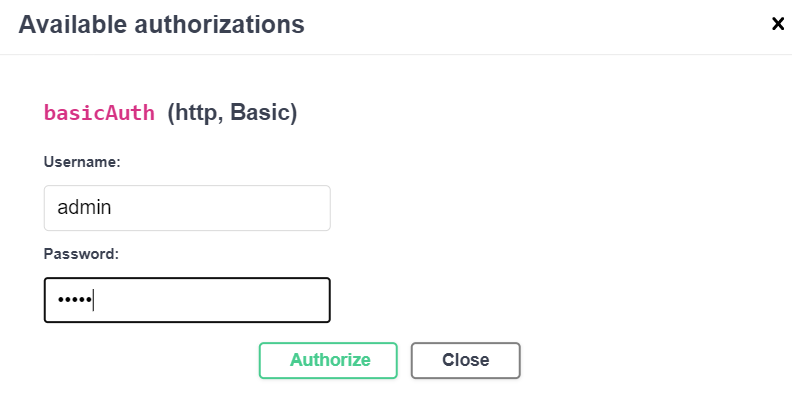
Then, click the "Authorize" button, and you will see the output below.
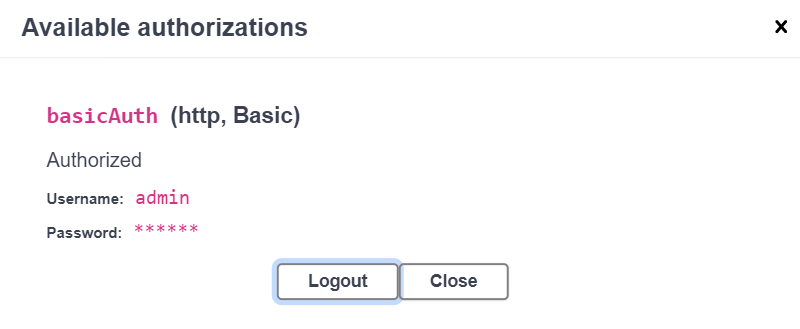
You are now authorized to use the "Login" operation. Go to the login tag, then click on it, and you will see the "Login" operation.
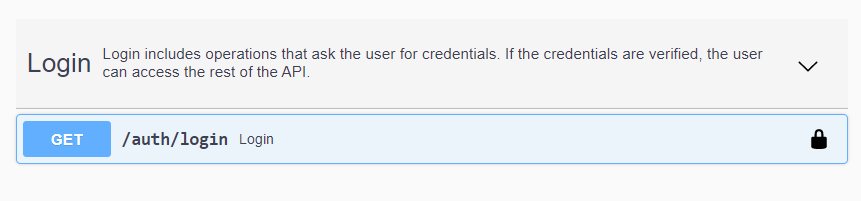
Click on the operation, and then click the "Try it out" button in the top right corner, and the new output will appear.
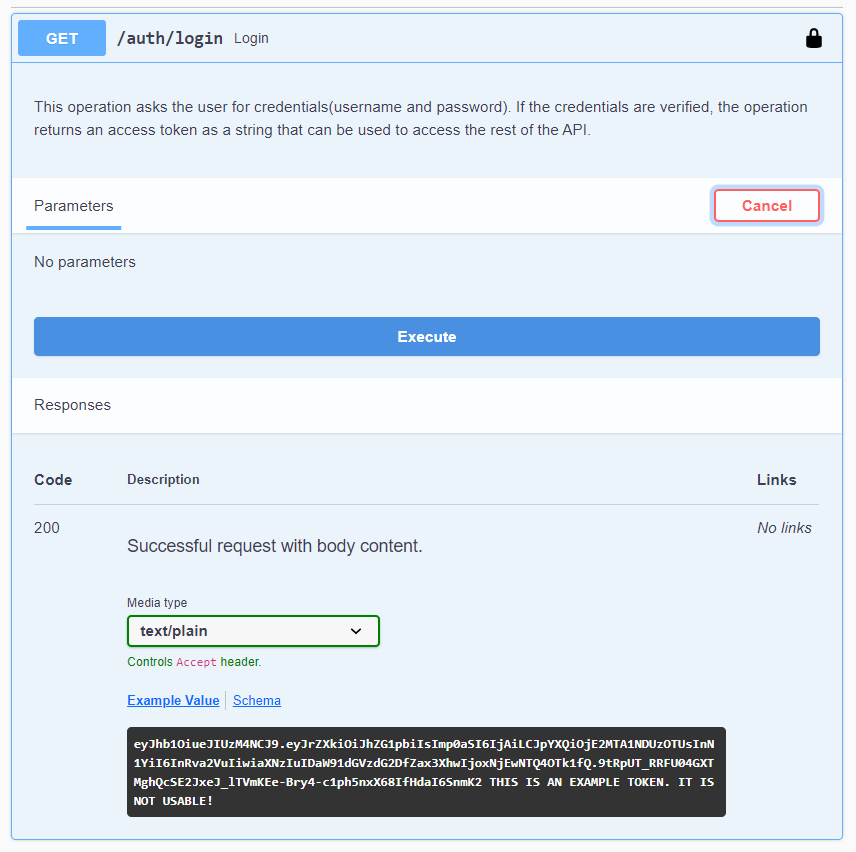
Then, click the "Execute" button, and you will get a similar response.
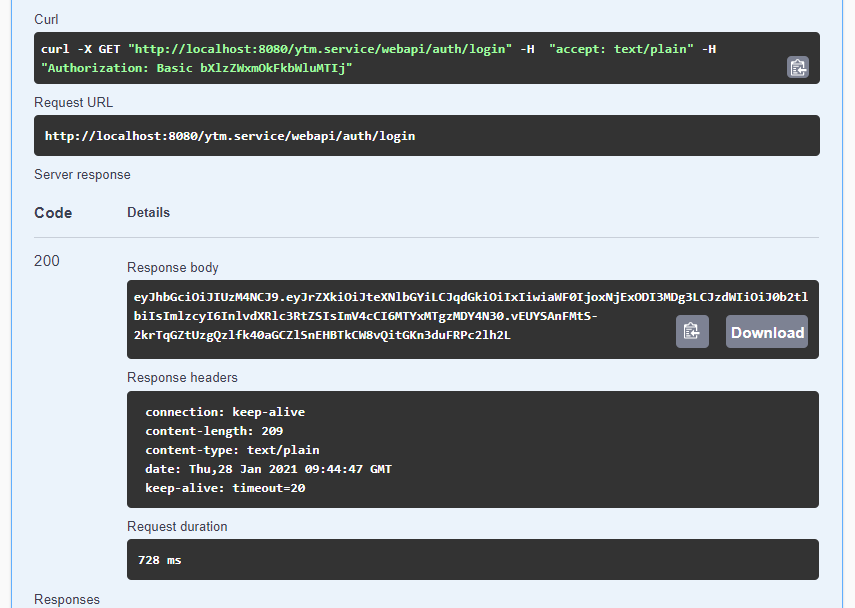
Now, when you have the access token, you can see how to access the API.
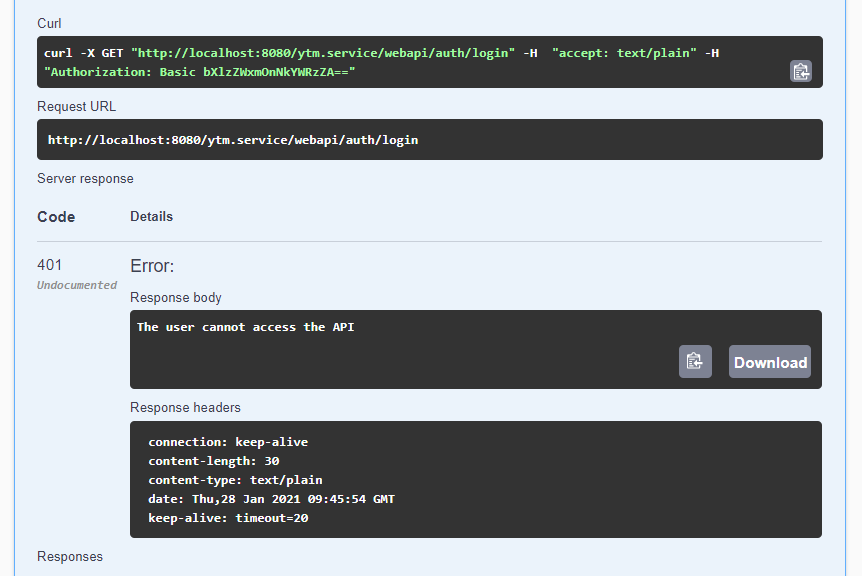
Note: You may have typed in the wrong username and/or password, and the dialog is still saying that you are authorized. This is because this interface does not provide a login mechanism itself. It just helps you to build HTTP requests to the server. If that is the case, click the "Logout" button in the dialog and retype the credentials. How do you know if the credentials are not correct? When you click the "Execute" button, you will get the following response: